
Promenu — digital menu for restaurants and cafés

digital menu · built for guests and staff

A digital menu and ecosystem for modern venues, where guest comfort and service quality move together.

Already working with Promenu

  • Аппетитоbakery
  • Плов №1a venue chain

Modes

Built for your format — from menu to order

Turn on only the modes your venue and guests actually need

  • Promenu digital menu mode: Restaurants and full-service venues

    Floor

    Restaurants and full-service venues

    Floor

    Restaurants and full-service venues

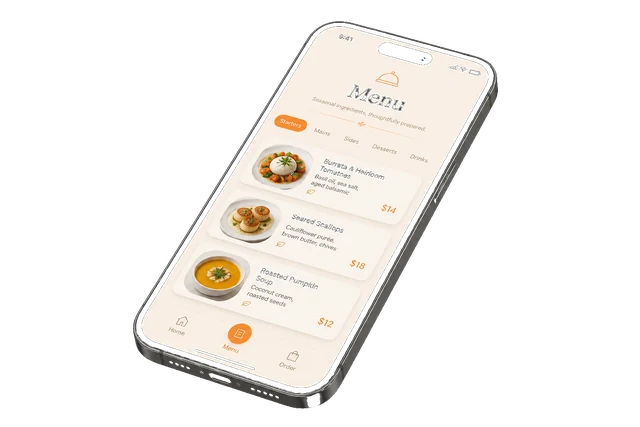
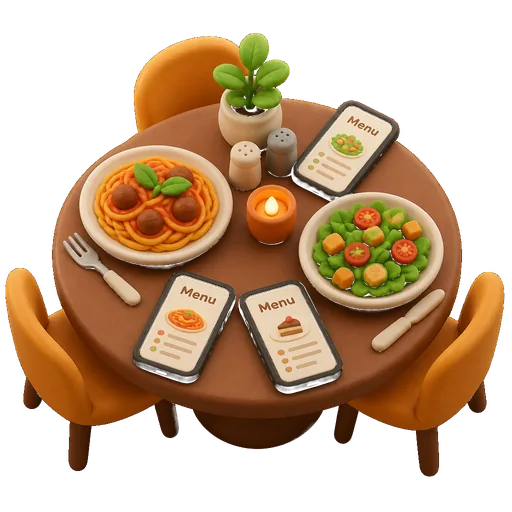
    Guests open the menu on their phone, build a shared table order, and call the waiter — no PDFs or “what should we get?” notes. Staff see items in the app and take the order calmly.

  • Promenu digital menu mode: Bakeries, cafés, and small spots

    Orders

    Bakeries, cafés, and small spots

    Orders

    Bakeries, cafés, and small spots

    Guests place pickup or delivery, track status, and save favorites — you run every order from one panel.

  • Promenu digital menu mode: Just a digital menu

    Showcase

    Just a digital menu

    Showcase

    Just a digital menu

    QR menu and electronic catalog — on the site, in the app, and in Telegram Mini App. Keep ordering off if you only need a showcase.

  • Promenu digital menu mode: Shift and ring-up on site

    POS

    Shift and ring-up on site

    POS

    Shift and ring-up on site

    Shift tracking and ringing up items — in the same panel as the menu. No separate heavy POS system.

Channels

Where it’s easy for the guest

One Promenu catalog — in the native app, on the web, and in Telegram Mini App. Guests enter the way they already prefer.

  • Promenu guest channel: Android and iOS

    App

    Android and iOS

    A native app: fast entry from the home screen and familiar gestures. The same catalog as every other channel.

  • Promenu guest channel: In the browser, no install

    Web

    In the browser, no install

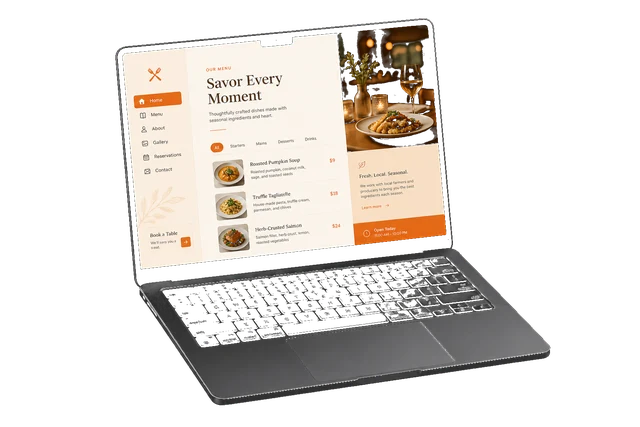
    Via link or QR — straight on phone or laptop. Ideal when a guest doesn’t want another download.

  • Promenu guest channel: Mini App in the messenger

    Telegram

    Mini App in the messenger

    Menu and ordering inside Telegram — no separate app store. For people who already live there.

AI

Smart menu

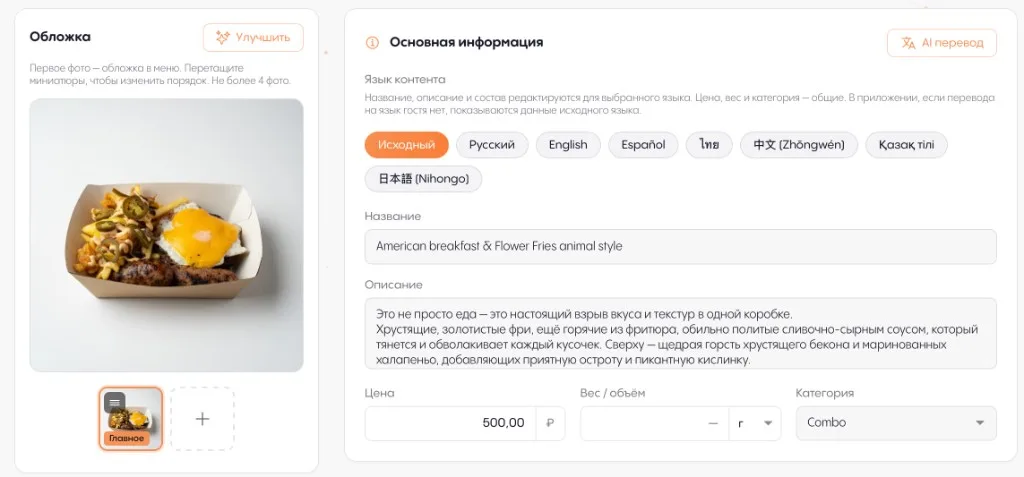
Start by building the menu from photos, a PDF, or a link — then translate, cover, card checks, and dish photos. Less manual work, a more cohesive menu.

Source

Menu from a source

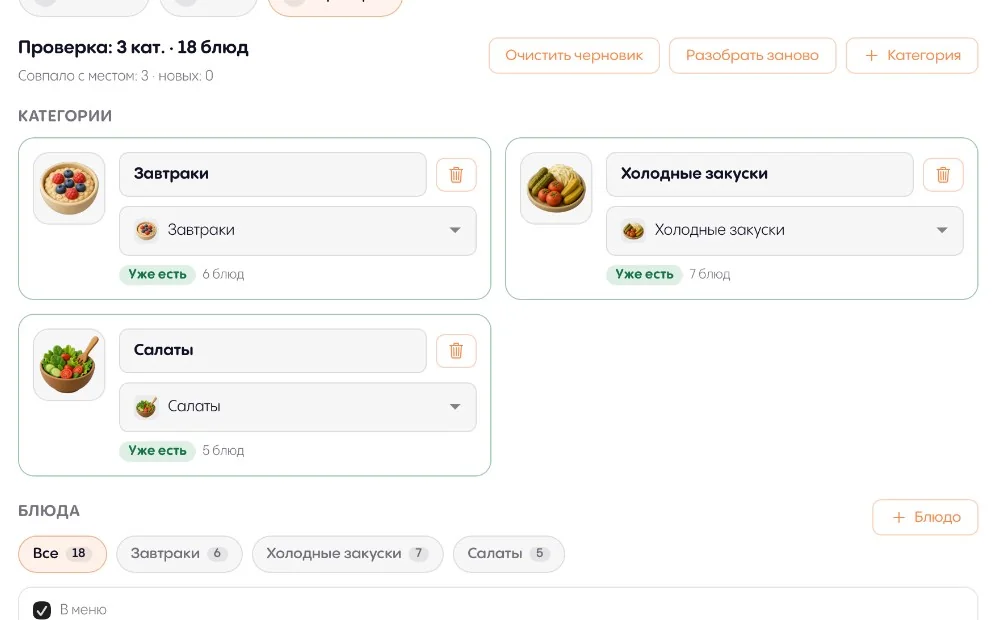
Upload menu photos, a PDF, or a website link — AI builds categories and dishes; you review and apply to the catalog.

Translate

Menu in the guest’s language

A tourist or guest from another country opens the catalog in their language — easier choices, fewer questions for staff. Translation in the panel, without editing every card by hand.

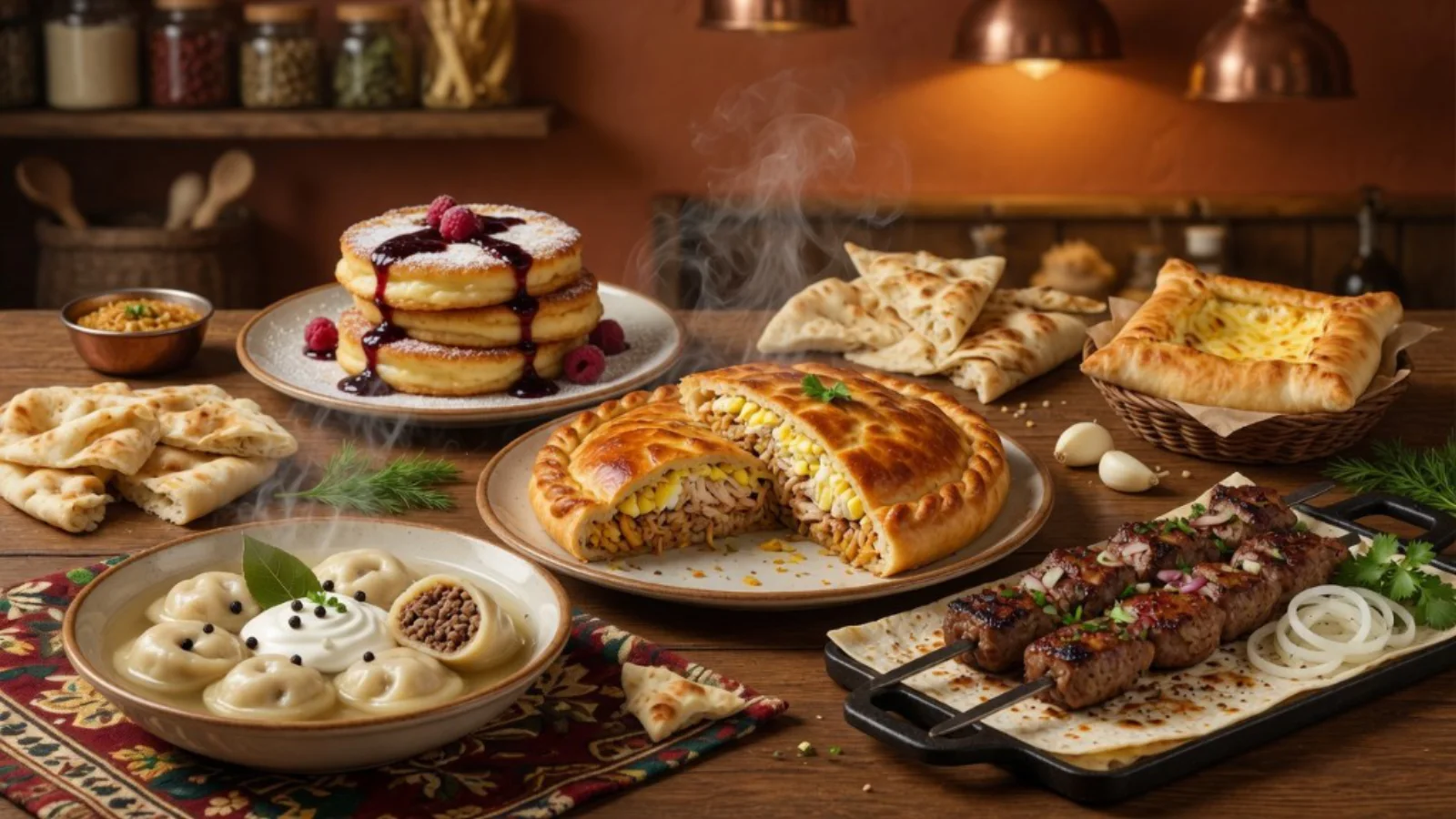
AI-generated venue cover in Promenu

Apetitto Bakery

Wok · Georgian · Pastry · Eastern · Bashkir

Look

Venue cover

The system reads your menu and dish categories and suggests a cover from your items — a first impression that fits the place, without a separate designer.

Quality

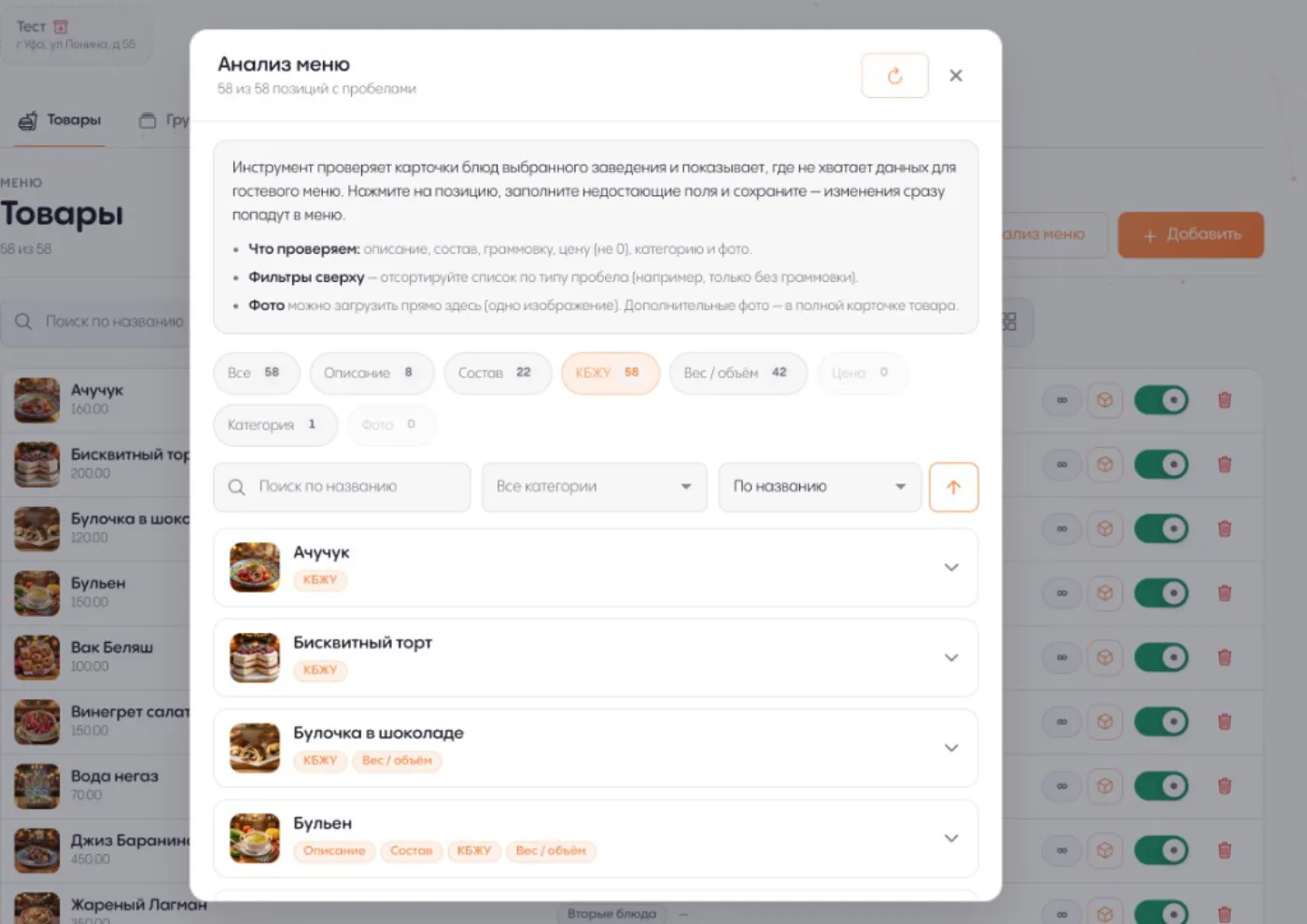
Quality control for the menu

It watches card completeness and helps close the gaps: drafts descriptions, breaks down ingredients and macros, and flags allergens, prices, and categories.

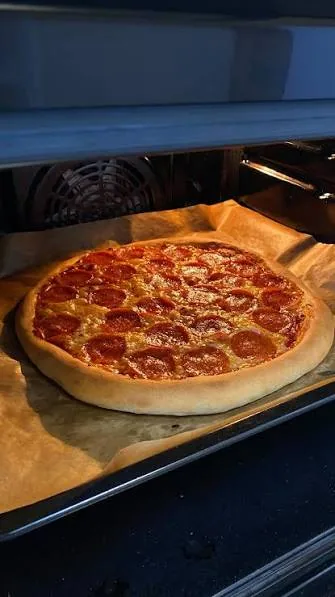
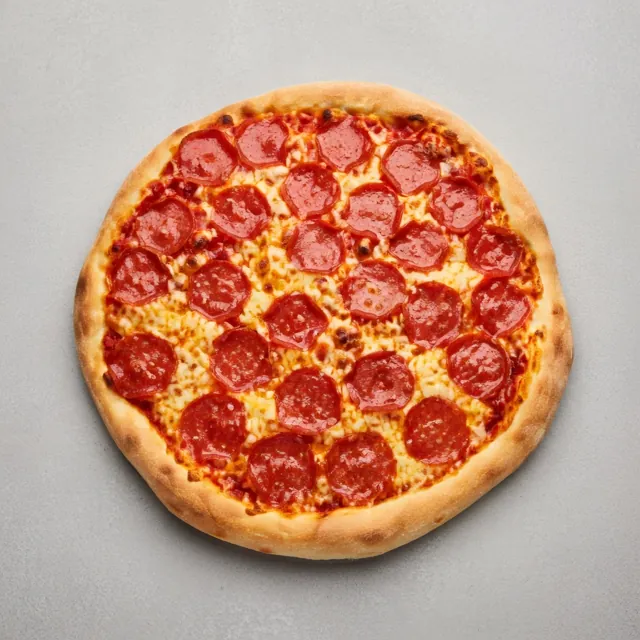
Dish photo before AI processing in Promenu
Before
Dish photo after AI processing in Promenu, “Clean” style
Clean
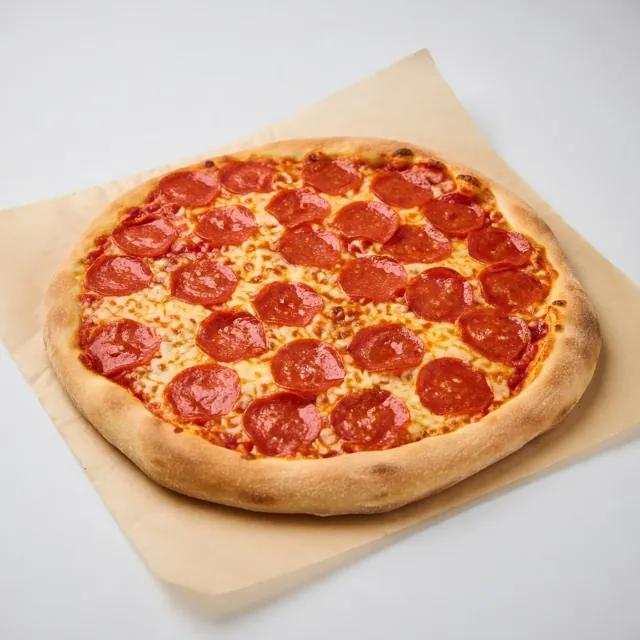
Dish photo after AI processing in Promenu, “Studio” style
Studio
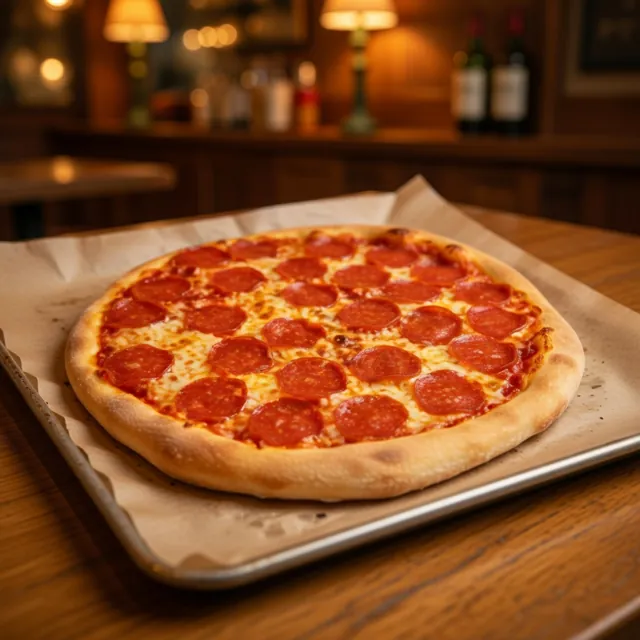
Dish photo after AI processing in Promenu, “Warm” style
Warm
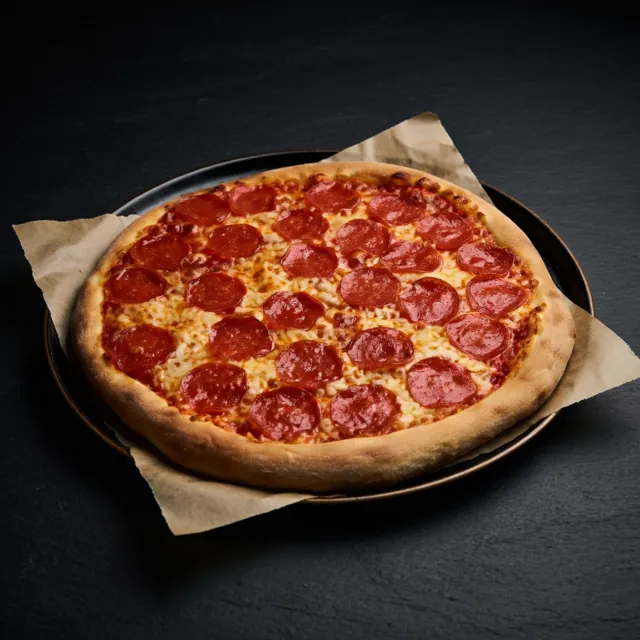
Dish photo after AI processing in Promenu, “Dark” style
Dark

Photos

Dish photos without a photographer

Shoot on a phone — pick a style. The dish looks menu-ready: no studio, no photoshoot, no extra budget.

Demo

Try it yourself

This is a live demo: open a scenario via QR or link and walk the guest path — menu, pickup and delivery, table ordering. Browse dishes, build a cart, and place an order the way your visitors will.

  • Menu

    Browse the menu

    Open the catalog as a guest — no order, just browse dishes.

    Open link
  • Order

    Pickup and delivery

    Same entry, then the guest chooses pickup or delivery in the menu.

    Open link
  • Floor

    Table session

    Like a QR on the table: a shared session and group ordering from the app.

    Open link

Plans

Available plans in Promenu

Three plans for different venue needs. Find your level — and connect Promenu the way that fits you.

FAQ

Common questions

Short answers on launch, payments, and channels — tap a question to expand.

Is this just a picture of a digital menu?

No. Promenu’s digital menu is a live catalog: guest channels, orders, floor, and POS around one venue — one loop for every entry point.

How long does launch take?

It depends on how many items are in the menu. For active clients it usually takes no more than one business day. The Promenu team is always ready to help with setup. You can start from menu photos, a PDF, or a page link — AI builds a catalog draft, you review it, then apply. From there AI helpers remove the busywork: enhance photos, translate, and fill dish cards — no photographer, no writing every description by hand.

How do guests pay in the app?

By default, cash and card to your courier are available. You can also enable online payments — money goes directly to you. YooKassa acquiring is integrated today.

Where can a guest open the menu and order?

In the native app, Telegram Mini App, or the browser — the same catalog in every channel.

Ready to open the floor to guests?

Connect your venue today — menu, orders, and guest care in one loop. Guests feel the difference from the first scan, and the team works calmer.